
OpenCode
OpenCode
OpenCode (and similar open-interpreter tools) is a heavy consumer of tokens. Integrating it with Quotio is highly recommended to prevent unexpected bills and ensure reliability.
Note: You need to generate an API key from Quotio's API Keys tab to authenticate with the proxy.
Configuration Methods
There are two ways to configure OpenCode with Quotio: automatic (recommended) or manual.
Automatic Configuration (Recommended)
- Ensure Proxy is Running: Go to Dashboard tab and start the proxy if not already running
- Configure Agent: Go to Agents tab → Find OpenCode → Click Configure
- Follow Setup: The app will guide you through environment variable setup
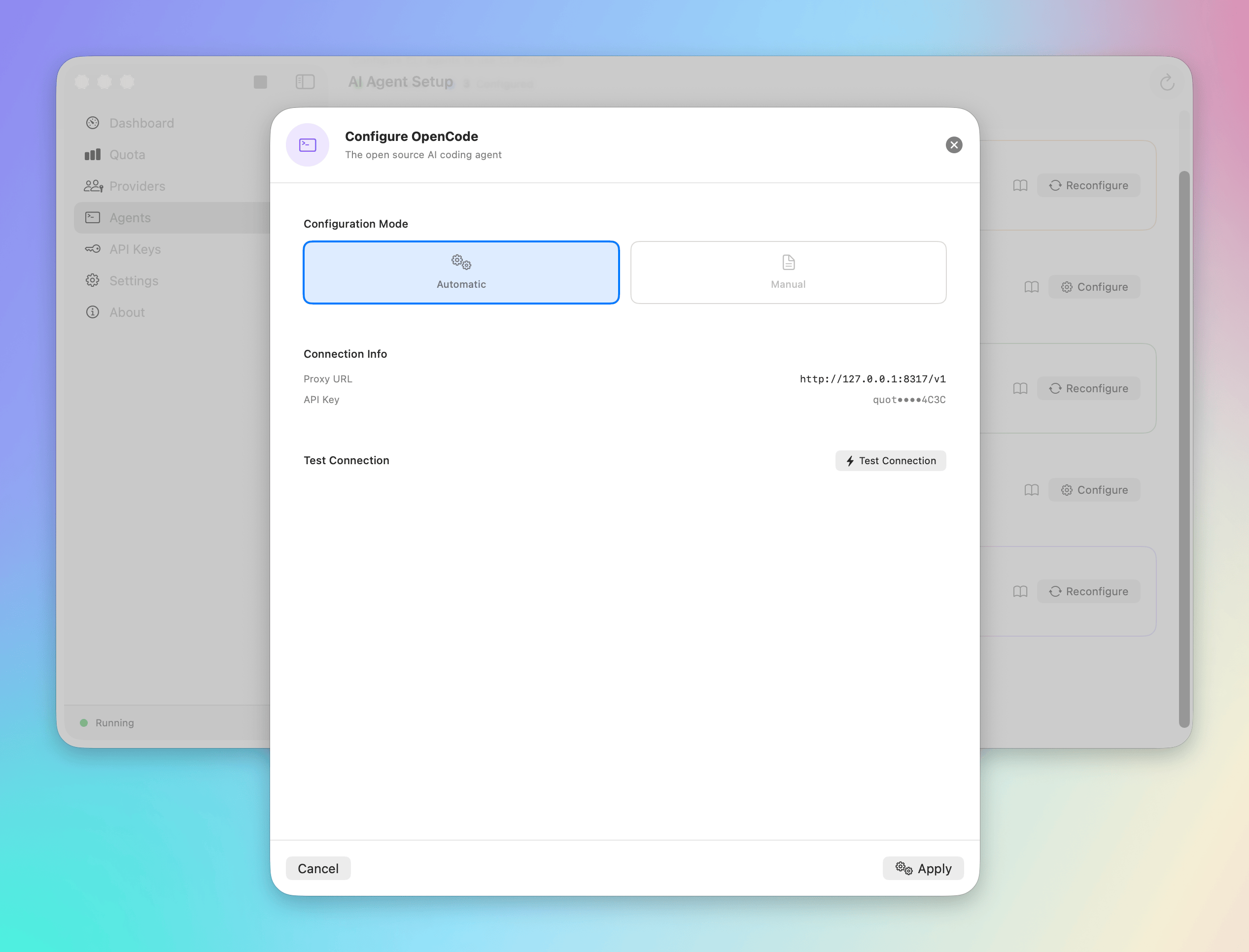
This method automatically sets up the required environment variables and config files.
Manual Configuration
If automatic setup doesn't work for your setup, configure manually by setting environment variables:
If running OpenCode for OpenAI models:
export OPENAI_API_BASE="http://localhost:8317/v1"
export OPENAI_API_KEY="your-generated-api-key-here"
opencode
If running OpenCode for Anthropic models:
export ANTHROPIC_BASE_URL="http://localhost:8317"
export ANTHROPIC_API_KEY="your-generated-api-key-here"
opencode --model gemini-claude-opus-4-5-thinking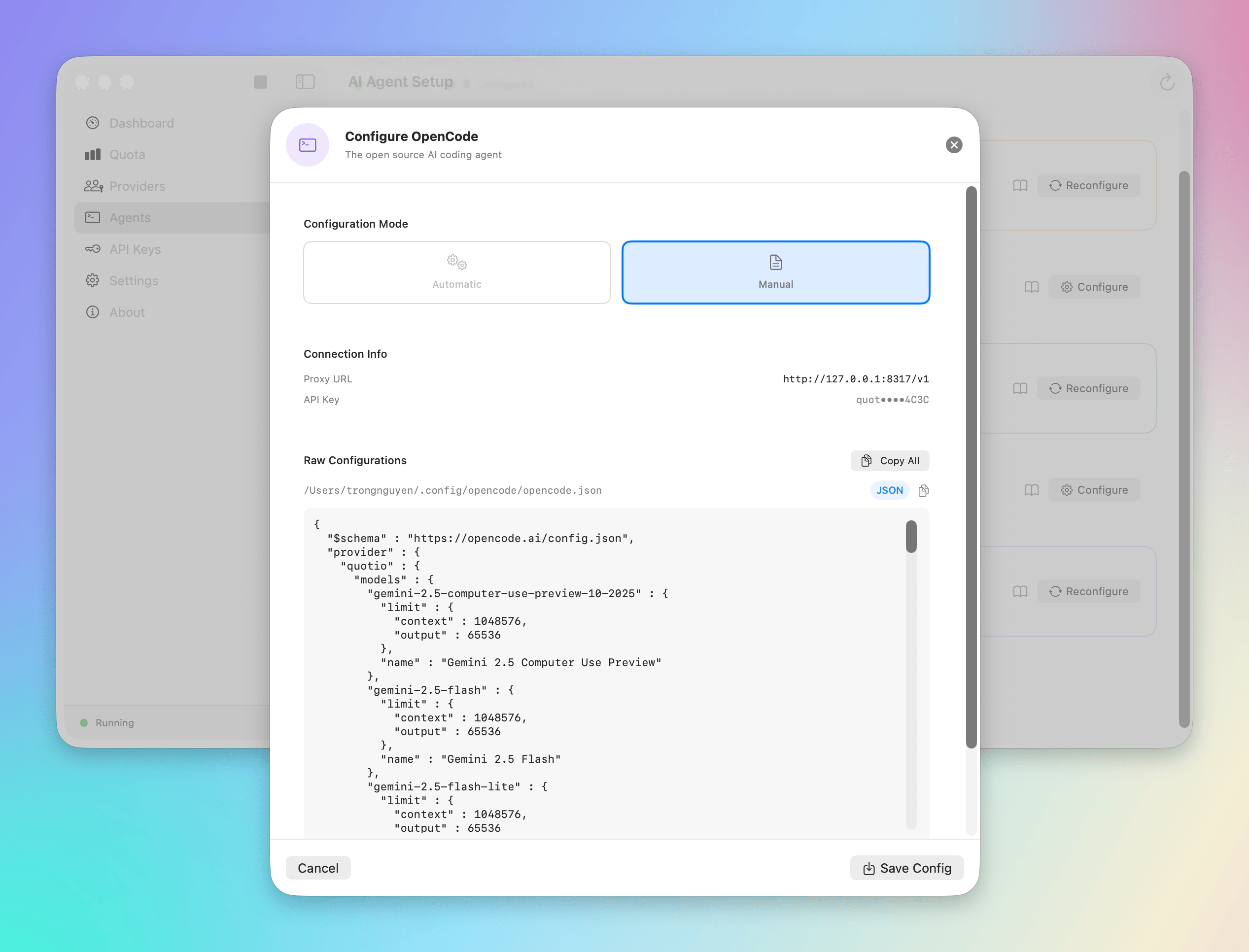
Load Balancing for Heavy Workloads
OpenCode sessions can trigger rate limits quickly due to large context windows.
Recommended Strategy:
- Connect multiple providers in Quotio (e.g., different Claude accounts or Gemini access).
- Configure agents in the Agents tab to use these providers.
- Set up failover rules to automatically switch when rate limits are hit.
Monitoring
In the Quotio Dashboard, you will see requests tagged as coming from the Proxy. You can filter by model to see exactly how much your interpreter sessions are costing.
Next Steps
Explore advanced configuration options for custom agents.