
Integrations
Claude Code
Claude Code
Quotio integrates with the claude CLI tool (Claude Code) by providing a local proxy server that routes requests through configured Anthropic providers.
Note: You need to generate an API key from Quotio's API Keys tab to authenticate with the proxy.
Configuration Methods
There are two ways to configure Claude Code with Quotio: automatic (recommended) or manual.
Automatic Configuration (Recommended)
- Ensure Proxy is Running: Go to Dashboard tab and start the proxy if not already running
- Configure Agent: Go to Agents tab → Find Claude Code → Click Configure
- Follow Setup: The app will guide you through environment variable setup
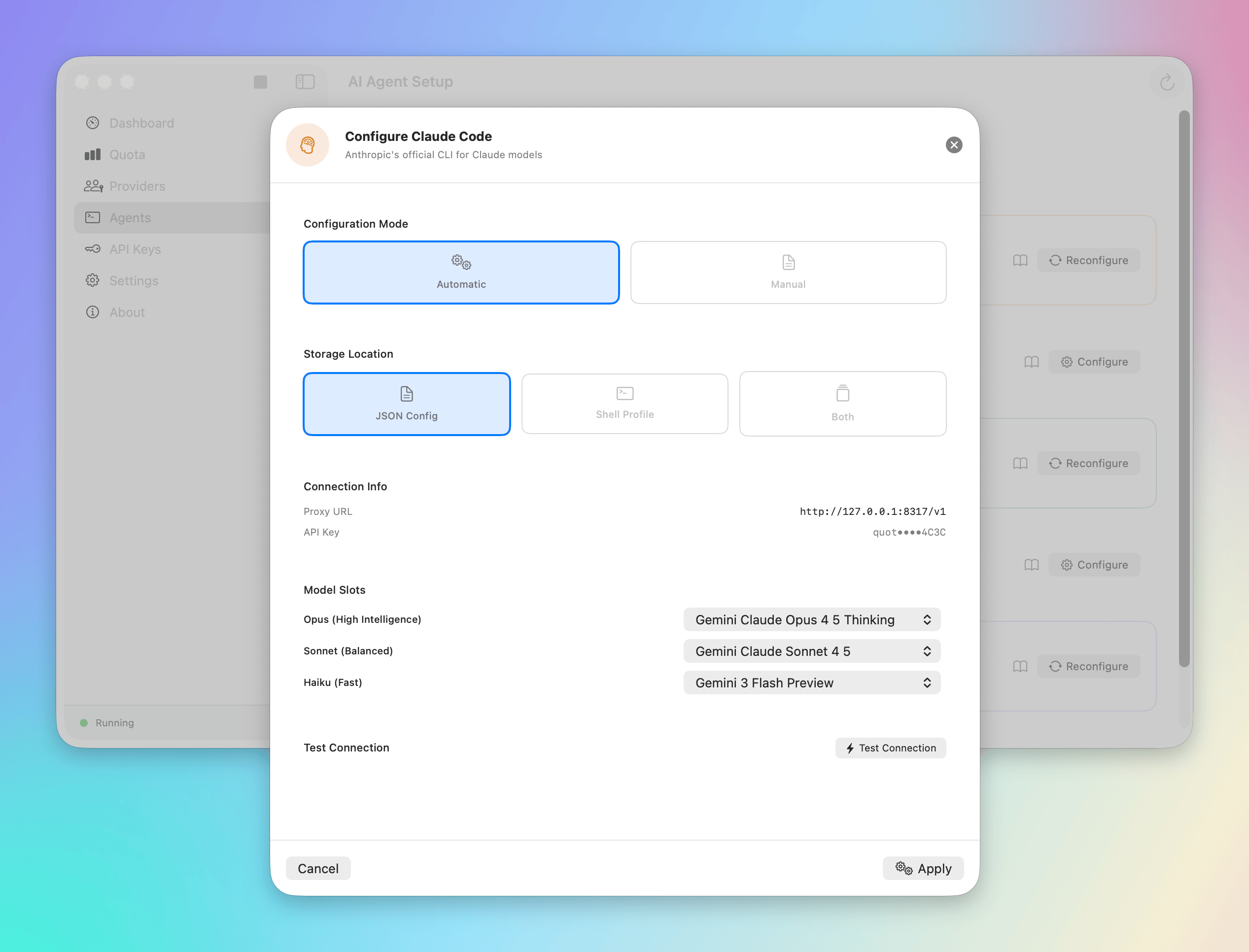
This method automatically sets up the required environment variables and config files.
Manual Configuration
If automatic setup doesn't work for your setup, configure manually by setting environment variables:
export ANTHROPIC_BASE_URL="http://localhost:8317"
export ANTHROPIC_API_KEY="your-generated-api-key-here"
Verify your specific version of claude-code supports these variables. If not, you may need to use a config file.
How it works
- You run
claude "Refactor this file". - The request is sent to
localhost:8317. - Quotio receives the request.
- Quotio checks your Anthropic agents.
- If your primary Claude key is exhausted, Quotio switches to the backup Claude key.
- The request is forwarded to Anthropic's actual API.
- The response is streamed back to your terminal.
Benefits
- Unified Billing: Track how much your CLI usage costs alongside your IDE usage.
- Uninterrupted Coding: Never get stopped by a "Credit Limit Reached" error in the middle of a refactor session.
Next Steps
Learn about integrating with OpenCode.