
Getting Started
Quick Start
Quick Start
This guide helps you get Quotio set up and working in just a few minutes.
Goal
By the end of this guide, you will:
- Choose your preferred usage mode
- Connect your first AI provider
- Enable quota tracking
- Start using Quotio in your workflow
Step 1: Launch Quotio & Choose Mode
-
Open Quotio from your Applications folder
-
Complete the onboarding wizard to choose your mode:
- Full Mode: Connect providers via OAuth and run CLI tools through Quotio's proxy
- Quota-Only Mode: Track quota from existing auth files without running proxy
For most users, Full Mode is recommended.
Step 2: Connect Your First Provider
- Click the Quotio icon in the menu bar
- Select Open App (
⌘O) to open the main window - Go to the Providers tab
- Click Add Provider (plus button)
- Choose your AI provider (Claude, Gemini, OpenAI, etc.)
- Follow the authentication flow (OAuth or service account import)
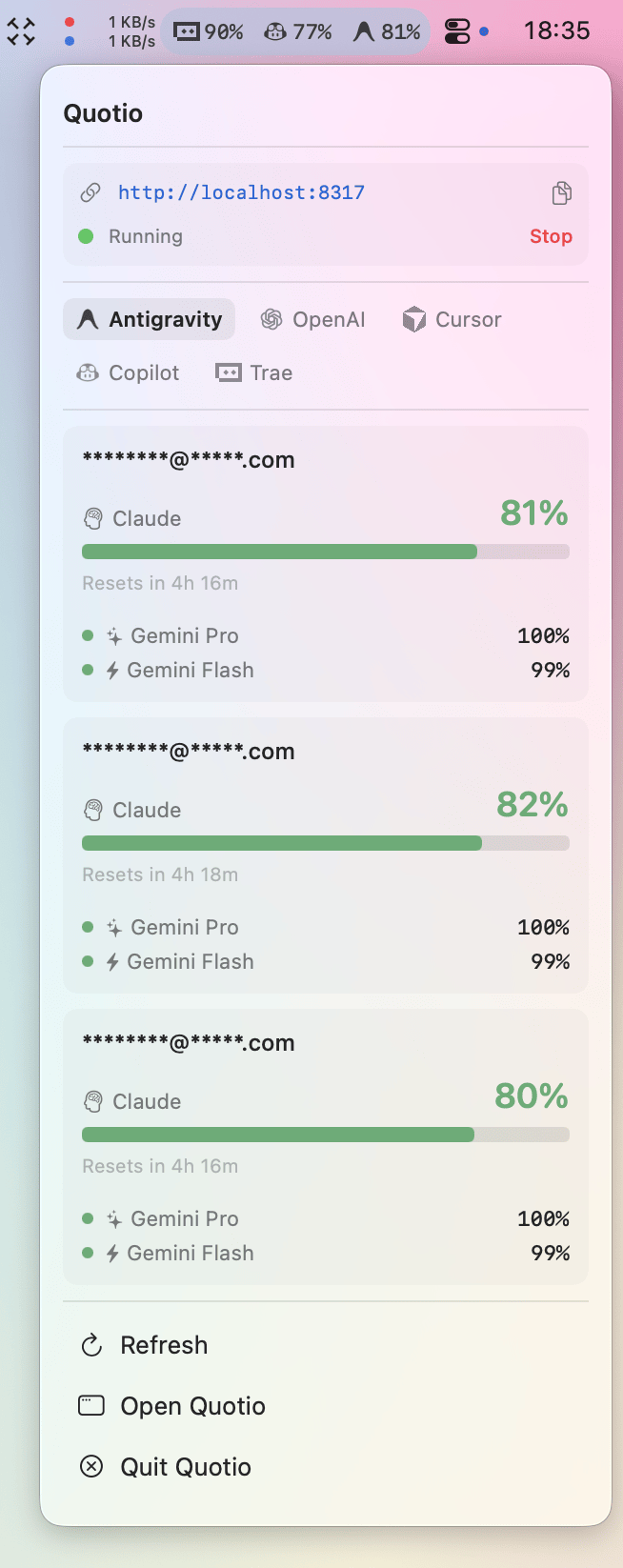
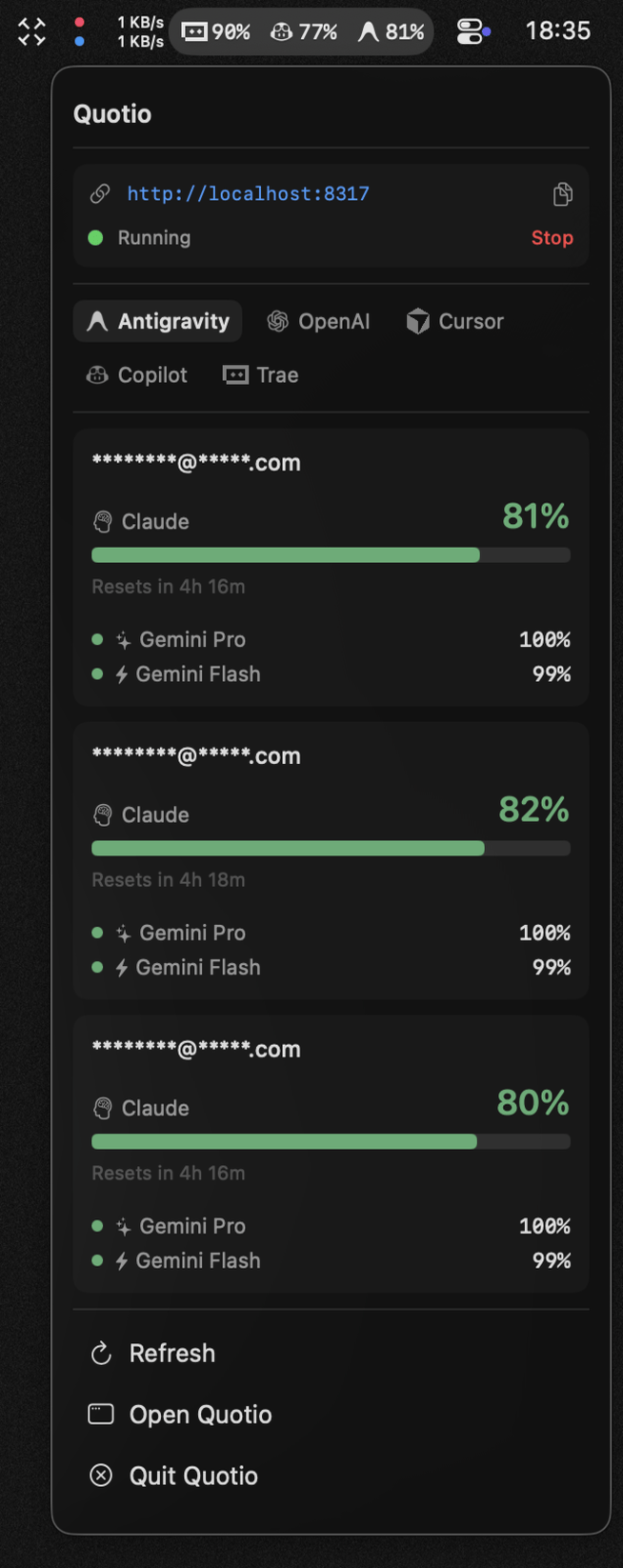
Quotio will immediately begin tracking quota usage for this provider.
Step 3: Enable Quota Monitoring
In Quota-Only Mode, quota tracking starts automatically once you add providers.
In Full Mode:
- Go to the Providers tab
- Ensure your providers show as "Connected" (green status)
- Quota data will appear in the menu bar dropdown
The menu bar icon will show your quota status at a glance.
Step 4: Configure CLI Tools (Full Mode Only)
In Full Mode only:
- Go to Agents tab
- Configure any CLI tools you use (Claude Code, OpenCode, etc.)
- Start using your CLI tools normally - they'll route through Quotio's proxy
In Quota-Only Mode:
- Quota tracking works in the background
- View usage in the menu bar dropdown
Step 5: Customize Your Experience
From the menu bar, you can:
- Refresh (
⌘R) to update quota data - Open App (
⌘O) to access full settings - Quit (
⌘Q) to exit Quotio
Common next steps
Now that you're up and running, you may want to:
- Learn about Agents (CLI tool integration)
- Understand Quota tracking in detail
- Explore Advanced routing rules
Next steps
Now that you're up and running, you may want to:
- Learn about Providers (AI service connections)
- Understand Agents (CLI tool integration)
- Explore Quota tracking in detail
Next steps
Continue with:
→ Core Concepts / Providers